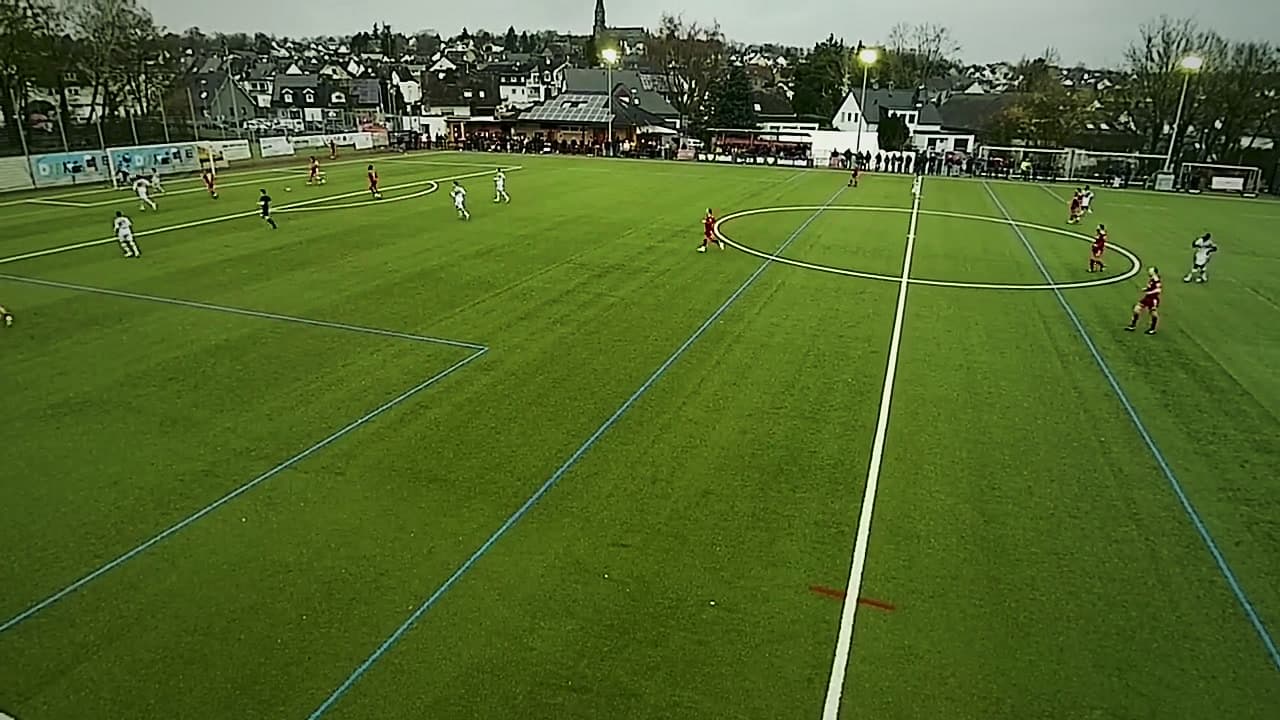
Coaching
How to run a football video session your players will actually remember
Thirty minutes and twenty clips lose the room by clip six. Here’s a ten-minute format with one theme, three to five clips, questions before answers, and a drill to match.
By My Annotator · · 6 min read
Most team video sessions go the same way. Thirty minutes, twenty clips, the coach talking and pausing, and players who stopped listening somewhere around clip six. The footage was fine. The session was the problem.
Here's a format that fits before a normal training session, keeps players involved and leaves them with something they'll recognise on the pitch.
Why most video sessions don't work
- Too long. Attention drops fast, and it drops faster in a warm clubhouse after work.
- Too many themes. Five topics in one session means none of them stick.
- Only negatives. If video always means being corrected, players stop engaging and start defending.
- A monologue. Players who are only listening aren't thinking.
The 10-minute format
One theme, three to five clips, about ten minutes.
- Name the theme in one sentence. “Today is about getting out of our half when they press.”
- Start with a good example. Ideally your own team doing it right. It shows the behaviour you want and tells players this isn't a punishment.
- Then the problem, two or three clips. The same situation, handled differently.
- End on a good example. The last picture in their heads should be the right one.
- Link it to today's training. “The first exercise today is this exact situation.”
How to show each clip
A simple routine keeps every clip tight:
- Play it at full speed once. Let players see it the way they experienced it.
- Pause at the decision. Not at the mistake, but the moment just before, when there was still a choice.
- Ask before you tell. “What does our 6 see here?” “Where's the space?” Give them a few seconds. Players who find the answer themselves remember it.
- Reveal the drawing. Spotlight the player, shade the space, arrow the option.
- Play it again. Now they're watching for the right thing.
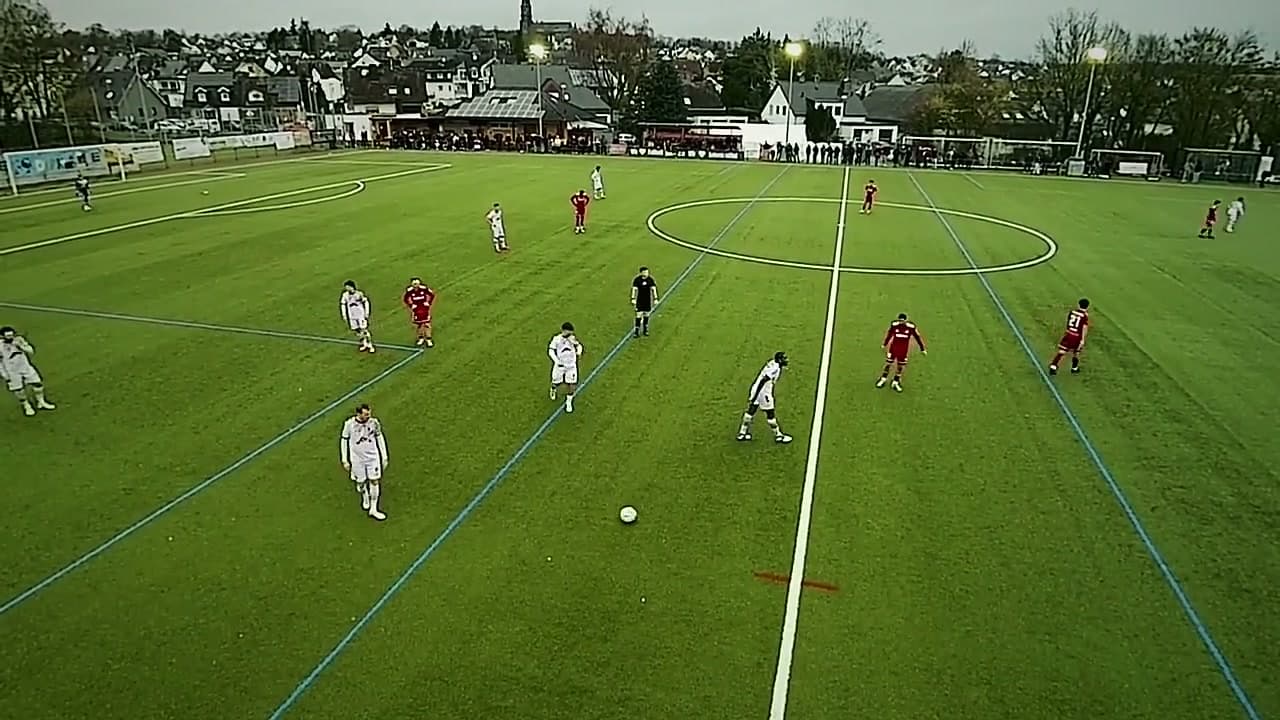
It helps to prepare the drawings in advance and step through them in the session, rather than drawing live while the whole squad waits.
Group clips and individual feedback
Some feedback belongs in front of the group: shape, team pressing, set pieces, anything that involves several players. Individual corrections usually don't. A player picked apart in front of teammates hears embarrassment, not coaching.
Keep the group session about the team, and send individual clips privately, with a sentence or two on what to look for. With youth players this matters even more: keep sessions shorter, keep the balance clearly positive, and only share footage inside the squad, with parental consent in place.
The practical setup
- Screen. The clubhouse TV, a projector or a laptop. Test it before players arrive, not in front of them.
- Sound off. Crowd noise and touchline comments are a distraction.
- Clips ready and in order. Jumping straight from mark to mark keeps the pace up. Scrubbing through a 90-minute file to find the next moment kills it.
- Players standing or sitting close. Near enough to point at the screen and join in.
After the session: make it stick
- Send the clips. Players rewatch on their phones, often more than once, especially the clips about themselves.
- Train it the same day. The first exercise should put players in the exact situation from the video.
- Look for it next match. When a player gets it right, clip that and show it next week. That clip will do more than any correction.
Doing it in My Annotator
Mark your moments during prep, then use the timeline in the session to go from one mark to the next. On Coach you can send players a replay link afterwards: it opens on your marks with the drawings in place, and you can copy a link to a single moment for a one-to-one note. On Team, your staff can comment on the same session and you can lay the annotated frames from your uploaded footage out on a presentation board for the team talk.
New to video? Start with our guide to video analysis without an analyst, which covers filming and picking your moments.